
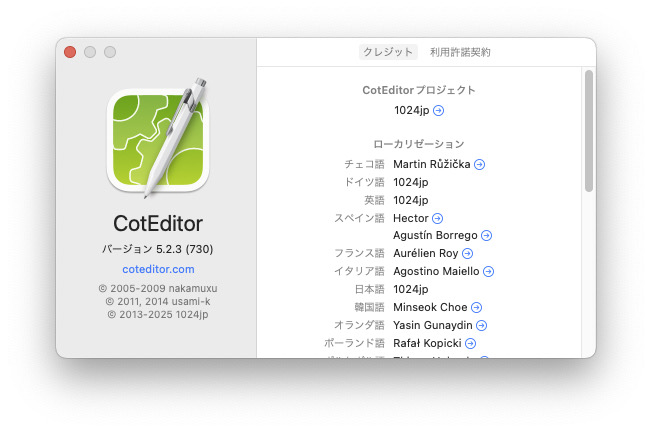
MacのエディターCotEditor(5.2.3)
で開いたPythonファイルをターミナルで実行するアップルスクリプト
【インストール】
CotEditorのメニュー「スクリプト」→「スクリプトフォルダを開く」
この中に「python.@r.applescript」を置けばOK
【使い方】
CotEditorでhoge.pyを開く
コマンド+Rでターミナルが起動
$ cd (hoge.pyがあるディレクトリ)
$ python hoge.py
【改良点】
・hoge.pyがあるディレクトリにcdするようにした
・その上でpython hoge.pyとして実行
・再実行はターミナル上で↑で直前の実行コマンドpython hoge.pyを呼び出して行う
(*
 *  Use Command+R to run python on the current file
 *)
set thisfile to POSIX path of (get file of front document) as Unicode text
set thisdir to (do shell script "dirname " & thisfile)
set filename to (do shell script "basename " & thisfile)
    tell application "Terminal"
        set currentTab to do script "cd " & thisdir
        delay 0.5
        do script "python " & filename in currentTab
        activate
    end tell